
How to Run AI Agents on Linux or Windows - A Guide
April 10, 2026
The most common question after my talk at the entrepreneurs’ club: “Do I really need to buy a Mac?”
No. AI agents work on Linux and Windows. In this article — three ways to run Claude Code on your own computer or server. No Mac, no programming, 20 minutes.
But first — let’s be honest about the limitations.
What You Can and Can’t Do Without macOS
Claude Code on Linux and Windows is fully functional: terminal, content generation, coding, file management, web search. For 90% of an entrepreneur’s tasks, that’s more than enough.
But some things are only available on macOS:
| Feature | Linux / Windows | macOS |
|---|---|---|
| Claude Code (terminal, agents) | Yes | Yes |
| Generating texts, posts, strategies | Yes | Yes |
| Generating and editing images | Yes | Yes |
| Working with files, code, APIs | Yes | Yes |
| Web search and website analysis | Yes | Yes |
| Computer Use (AI controls the screen) | No | Yes |
| iOS app development (Xcode) | No | Yes |
| Claude Code desktop app | No | Yes |
If you’re an entrepreneur and want an AI assistant for content, strategy, analytics — Linux and Windows are a perfect fit.
If you want to build iOS apps or need an AI that clicks around the screen on its own — you’ll need a Mac.
Two Paths: Quick and DIY
Path 1: Ready-Made Solution (Quick Start)
Option A — Telegram Agent (from 5 000 rub/month)
We set up an AI agent tailored to your business and give you access through a Telegram bot. You chat via text or voice — the agent responds, generates content, analyzes photos.
- No computer needed, no technical skills required
- Runs on our server 24/7
- First week — free
Option B — Ready-Made AI Computer (15 000 rub)
Assembled at IZI Electronics store (Kemerovo) with everything pre-installed:
- Intel Core i3 processor
- 16 GB RAM
- 256 GB SSD
- Linux Ubuntu + Claude Code + all tools
Plug it in, turn it on, enter your subscription key — you’re working.
Claude subscription: from $20/month (~2 000 rub) — paid separately on the Anthropic website.
Path 2: Do It Yourself (Free, Except for the Subscription)
If you already have a computer — you can set everything up yourself. Below is a step-by-step guide for three options.
Option 1: Cloud VPS Server
Cost: from 800 rub/month (server) + from 2 000 rub/month (Claude subscription)
Best if you don’t want to install anything on your own computer.
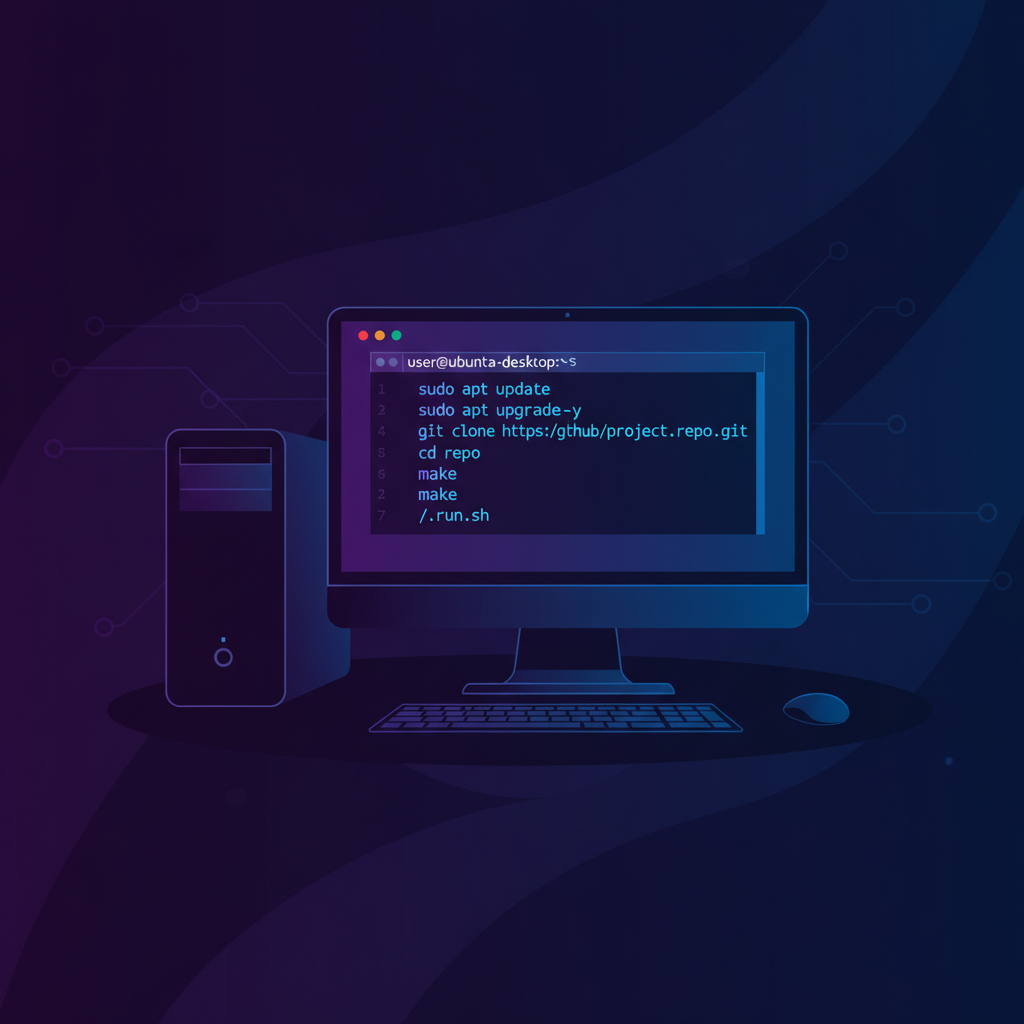
Step 1: Rent a Server
Recommended provider: Hetzner (hetzner.com)
- Plan CX22 (2 vCPU, 4 GB RAM, 40 GB SSD) — 450 rub/month
- Or CX32 (4 vCPU, 8 GB RAM, 80 GB SSD) — 800 rub/month
- OS when creating: Ubuntu 24.04
Alternatives: Timeweb Cloud, Selectel, DigitalOcean.
Step 2: Connect to the Server
On Windows: download PuTTY or Windows Terminal. On Mac: open Terminal.
ssh root@your_ip_addressStep 3: Install Claude Code
apt update && apt upgrade -y

curl -fsSL https://deb.nodesource.com/setup_22.x | bash -
apt install -y nodejs

npm install -g @anthropic-ai/claude-code

apt install -y ffmpeg python3-pip git
pip3 install --break-system-packages Pillow requests httpx
Step 4: Authorize
claudeFollow the on-screen instructions — you’ll need to enter your Anthropic subscription key.
Step 5: Get to Work
claude

claude -p "Come up with 5 post ideas for an electronics store"
Option 2: Your Own Linux Computer
Cost: 0 rub (if you have a PC) + from 2 000 rub/month (Claude subscription)
Best if you have an old or new PC and you’re ready to install Linux instead of Windows.
Minimum Computer Requirements
| Spec | Minimum | Recommended |
|---|---|---|
| Processor | Intel i3 / AMD Ryzen 3 | Intel i5 / AMD Ryzen 5 |
| RAM | 4 GB | 8-16 GB |
| Storage | 120 GB SSD | 256 GB SSD |
| Internet | Stable | Stable |
| Graphics card | Not needed | Not needed |
Important: A graphics card is NOT needed. All the “smart” work happens in the cloud on Anthropic’s servers. Your computer just sends requests and receives responses.
Step 1: Install Ubuntu
- Download Ubuntu 24.04 LTS: ubuntu.com/download/desktop
- Write it to a USB drive (8 GB+) using Rufus (Windows) or balenaEtcher
- Boot from the USB drive (F12 or Del at startup)
- Choose “Install Ubuntu” and follow the instructions
- Reboot
Step 2: Open the Terminal
Press Ctrl+Alt+T or find “Terminal” in the applications menu.
Step 3: Run the Installation
Copy and paste this entire command:
curl -fsSL https://deb.nodesource.com/setup_22.x | sudo bash - && \
sudo apt install -y nodejs ffmpeg python3-pip git && \
sudo npm install -g @anthropic-ai/claude-code && \
sudo pip3 install --break-system-packages Pillow requests httpx && \
echo "Done! Run: claude"
Step 4: Authorize and Start Working
claudeOption 3: Windows (via WSL2)
Cost: 0 rub + from 2 000 rub/month (Claude subscription)
Best if you don’t want to get rid of Windows.
Step 1: Enable WSL2
Open PowerShell as Administrator and run:
wsl --installRestart your computer. On boot, create a login and password for Ubuntu.
Step 2: Install Claude Code
In the Ubuntu terminal (WSL2):
curl -fsSL https://deb.nodesource.com/setup_22.x | sudo bash - && \
sudo apt install -y nodejs && \
sudo npm install -g @anthropic-ai/claude-code && \
echo "Done! Run: claude"
Step 3: Get to Work
claudeClaude Subscription — What to Choose
| Plan | Price | Who It’s For |
|---|---|---|
| Claude Pro | $20/month (~2 000 rub) | Trying it out, personal use |
| Claude Max 5x | $100/month (~10 000 rub) | Active work, multiple agents |
| Claude Max 20x | $200/month (~20 000 rub) | Full-scale AI team |
| API (Console) | Per token | For developers |
To start, Claude Pro at $20/month is enough. Sign up: claude.ai
What to Do After Installation
- Get acquainted — just talk to Claude, tell it about your business
- Give it a task — “Create a weekly content plan for my store”
- Try generation — “Generate an image for a post about the new iPhone”
- Automate — set up agents for recurring tasks
Ready-Made Solutions from IZI Electronics
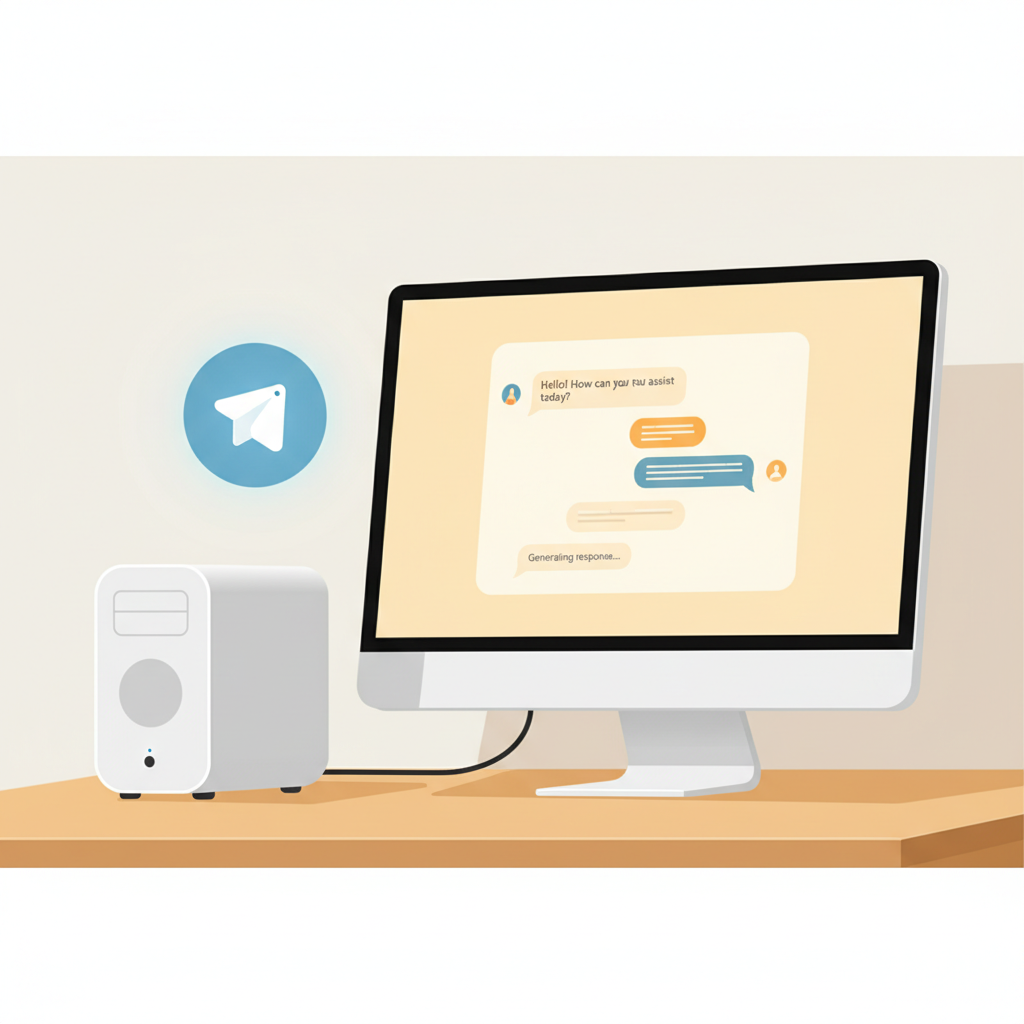
If you don’t want to figure it out yourself — we’ll do everything for you.
AI Computer — 15 000 rub
- Desktop: i3 / 16 GB / SSD 256 GB
- Pre-installed Ubuntu + Claude Code
- All tools configured
- You just need to enter your subscription key
AI Agent in Telegram — from 5 000 rub/month
- Personal agent tailored to your business
- Runs 24/7 on our server
- Text and voice communication
- Content generation, strategy, analytics
- First week — free
Contacts
- IZI Electronics store: Ostrovskogo 27, Laplandiya Mall, Kemerovo
- Phone: +7-904-372-71-11
- Telegram: @Magic4e
Liked the article?
@mdkguru on Telegram →